

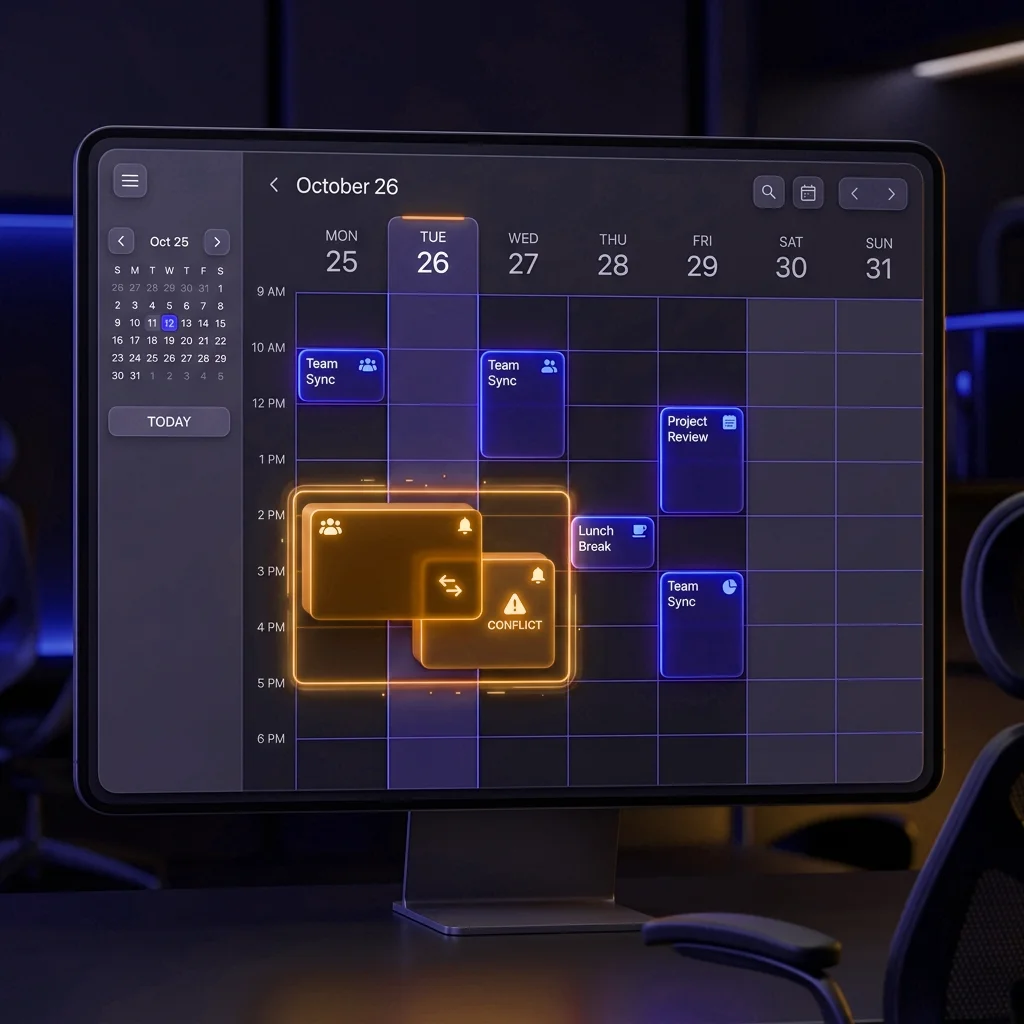
Double booking happens more often than you think, especially in high season. A vehicle is promised to a customer over the phone, another agent books it at the counter at the same moment, and on departure day two customers show up for the same car. The outcome is always unpleasant: an unhappy customer, an agent scrambling for a replacement vehicle, and an agency image that suffers.
The good news is that this risk can be strongly reduced with a bit of method and a suitable tool. This article gathers practical, jargon-free advice to better organize your reservations day to day.
Why a double booking is costly
Beyond the disappointed customer, a double booking disorganizes the whole day. The agent has to improvise an upgrade, sometimes free, or call another customer to push back their departure. During busy periods, these surprises pile up and slow down departures and returns. A single allocation error can thus weigh on several rentals.
The most common causes
In most cases, the problem comes from reservations not being gathered in one place. The paper board at the counter, the shared Excel file and the messages received by phone or WhatsApp are not always synchronized. When several agents work in parallel, each sees different information. The availability shown then does not reflect reality.
Best practices to limit the risk
1. Centralize all reservations
Phone, WhatsApp, counter, website: every request must arrive in the same place. When each reservation is recorded in a single tool, all agents view the same availability, checked at each reservation.
2. Keep the schedule continuously up to date
A schedule is only valuable if it is updated immediately. As soon as a vehicle is booked for specific dates, it must appear as unavailable on those dates for everyone. That is what helps the agency avoid the same vehicle being booked twice at once.
3. Confirm the dates before validating
Before hanging up or leaving the counter, make it a habit to read back out loud the departure date and time, the return date and the vehicle concerned. This simple check avoids many data-entry errors.
4. Check the real availability of the vehicle
A vehicle can be unavailable without being rented: in maintenance, awaiting an oil change or technical inspection. Remember to check the vehicle's status, not just the rental calendar.
How LocaFlotte can help
LocaFlotte is online software that gathers all your reservations in one place. As soon as an agent books a vehicle for given dates, that vehicle becomes unavailable for other reservations over the same period, including across your different agencies. All agents work on the same shared schedule. This helps limit overbookings, without claiming to remove them entirely: good organization remains essential.
Also read:Anti-double-booking protectionShared scheduleCar rental management software in MoroccoHow to choose car rental software
Typical situation: high season at the counter
A common situation: in high season, an agency receives many phone and WhatsApp requests while customers keep arriving at the counter. When reservations are noted in a notebook and in a separate file, the same car can be promised to two customers. Recording every request in one shared schedule, where each reservation blocks the vehicle on its dates, helps the team spot a conflict before confirming and prepare departures in a more orderly way.
Frequently asked questions
What is a double booking in car rental?
It is when the same vehicle is booked for two different customers over overlapping dates. On departure day, only one can leave with the planned car.
Why do double bookings increase in high season?
Because requests arrive at the same time through several channels (phone, WhatsApp, counter, website) and availability is not always updated fast enough.
Is Excel enough to avoid double bookings?
Excel can help at the start, but a shared file is not always up to date when several agents work in parallel. The risk of error grows with activity.
How does software help avoid this problem?
As soon as a vehicle is booked for given dates, it becomes unavailable for other reservations over the same period. All agents view the same information.
Can the risk be completely removed?
No tool removes the risk entirely. Good organization, confirmed dates and an up-to-date schedule strongly reduce it.
LocaFlotte
A simple method your team can use tomorrow
Software does not replace a clear team rule. It makes that rule visible to every agent from the first request to the handover of the keys.
- 1
Record every request in one place
As soon as dates are agreed, create the booking in the shared schedule. A promise kept only in WhatsApp or on paper remains invisible to the rest of the team.
- 2
Check dates and the assigned vehicle
Review pickup, return, branch and vehicle. LocaFlotte checks known overlaps, while the agent still confirms that the record matches what was promised.
- 3
Use statuses everyone understands
An option, a confirmed booking and an active rental are different. Define when a vehicle is blocked and who is allowed to change that decision.
- 4
Review tomorrow's pickups
At the end of the day, check vehicles to prepare, expected returns and missing contracts. A short review prevents costly improvisation the next morning.
Before confirming with the customer
- Exact dates and times
- Pickup and return branch
- A genuinely available vehicle
- Price, deposit and conditions recorded
- Booking visible to the whole team
What the customer experiences
The customer gets a clear answer and finds the promised vehicle on arrival. The agency feels organised because the phone, counter and schedule all show consistent information.
A scenario to test during the demo
Imagine two agents receiving almost simultaneous requests for the same Dacia Logan, from Friday at 10:00 to Monday at 09:00. The first agent creates the booking and confirms the vehicle. The second enters the same dates a moment later. During the demo, observe the availability warning, then change the first customer's return time to see how the schedule reacts. Finally, ask a third agent to open the day from another workstation. This simple test closely resembles a high-season situation and demonstrates the value of the shared workflow more clearly than a long feature list.
- The warning explains the conflict instead of blocking the agent without context.
- Changing the times updates the availability shown to the whole team.
- The manager can trace important booking changes according to the permissions and activity records available.
Make your agency's availability reliable
Discover how LocaFlotte helps limit double bookings with a schedule shared between all agents.
Request a demo