

Record a deposit
A deposit recorded when it is taken means an accurate outstanding balance all week. Thirty seconds at the counter.
The LocaFlotte team
Before you start
- The reservation exists.
- You know how the customer is paying: cash, bank transfer, card at the agency terminal, or cheque.
Step 1Open the reservation
From Reservations, open the file concerned.
Step 2Add a payment
Click the add payment button on the file.
Step 3Enter the amount and the method
State the amount received and the payment method. Depending on the method, fill in what will let you find the operation again: receipt number for cash, transfer reference, last four digits of the card, cheque number and bank.
Step 4Choose the status
A payment actually collected is confirmed. A cheque announced but not yet taken to the bank stays pending: it will not reduce the outstanding balance until it is confirmed.
Step 5Save the payment
The amount still due updates immediately on the file.
What you get
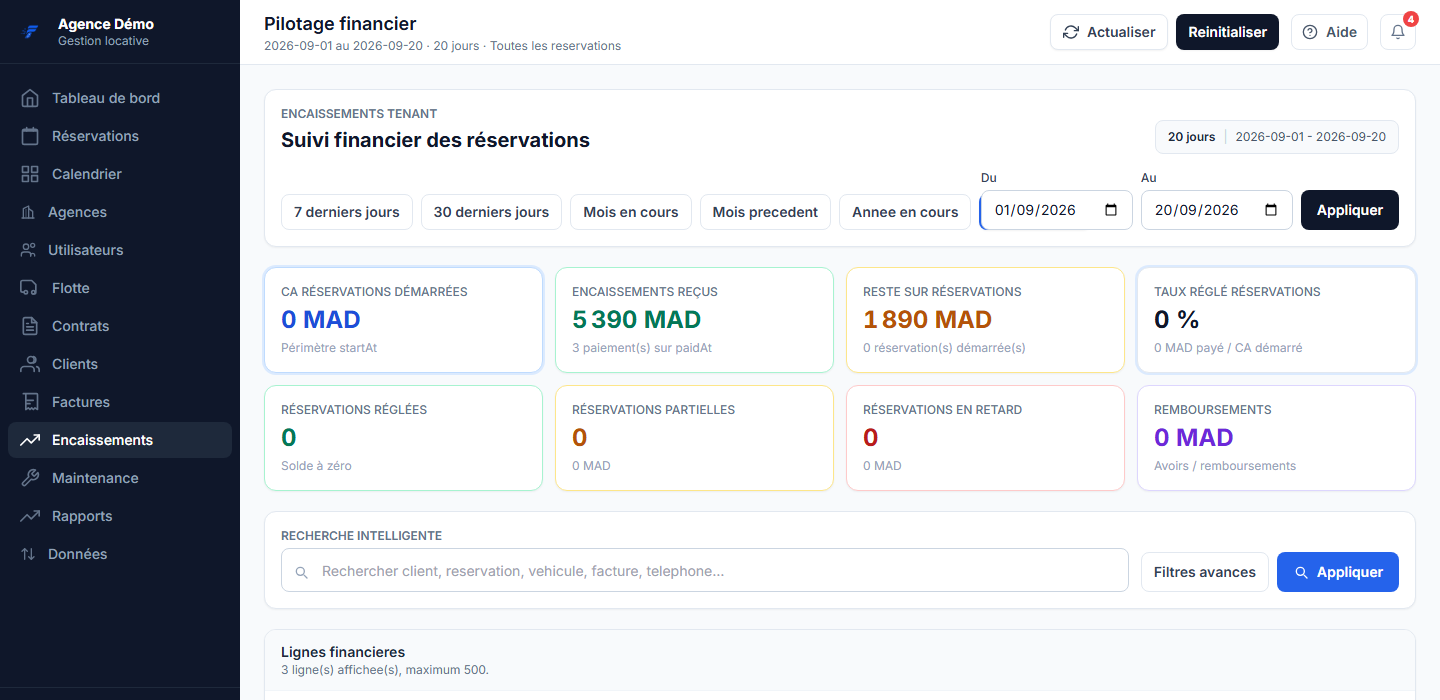
The file shows what has been collected and what is still owed. The payment appears in the payment tracking with its method, date and reference.
If it does not go as planned
- The customer paid but the outstanding balance did not move
- The payment is probably still pending. Open it and set it to confirmed.
- The cheque bounced
- Do not delete the line: cancel the payment with its reason. It stays visible in the file history and the outstanding balance goes back up automatically.
- I entered the wrong amount
- Cancel the wrong payment with its reason, then enter the right one. The history keeps both, which is exactly what you need if someone asks later.